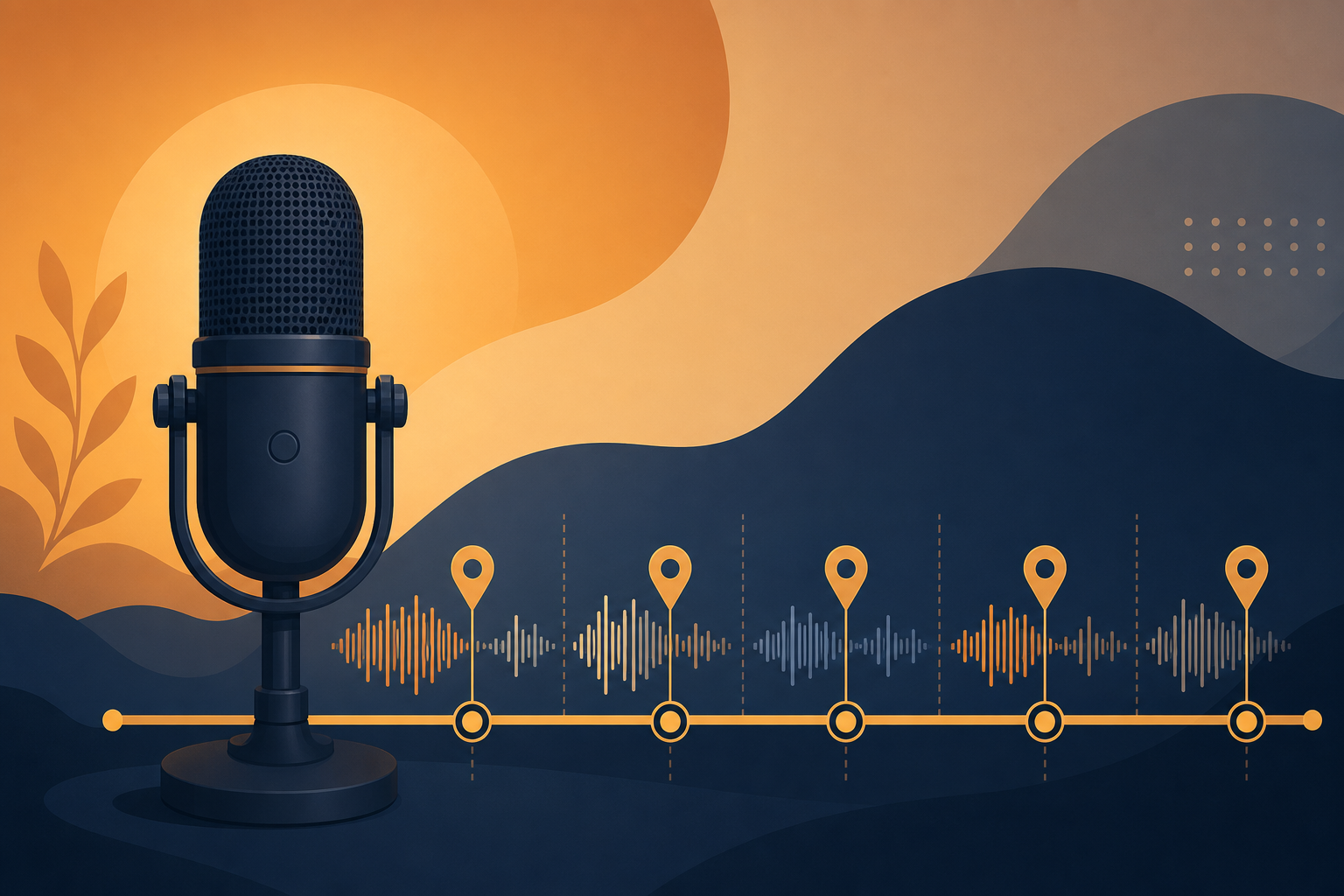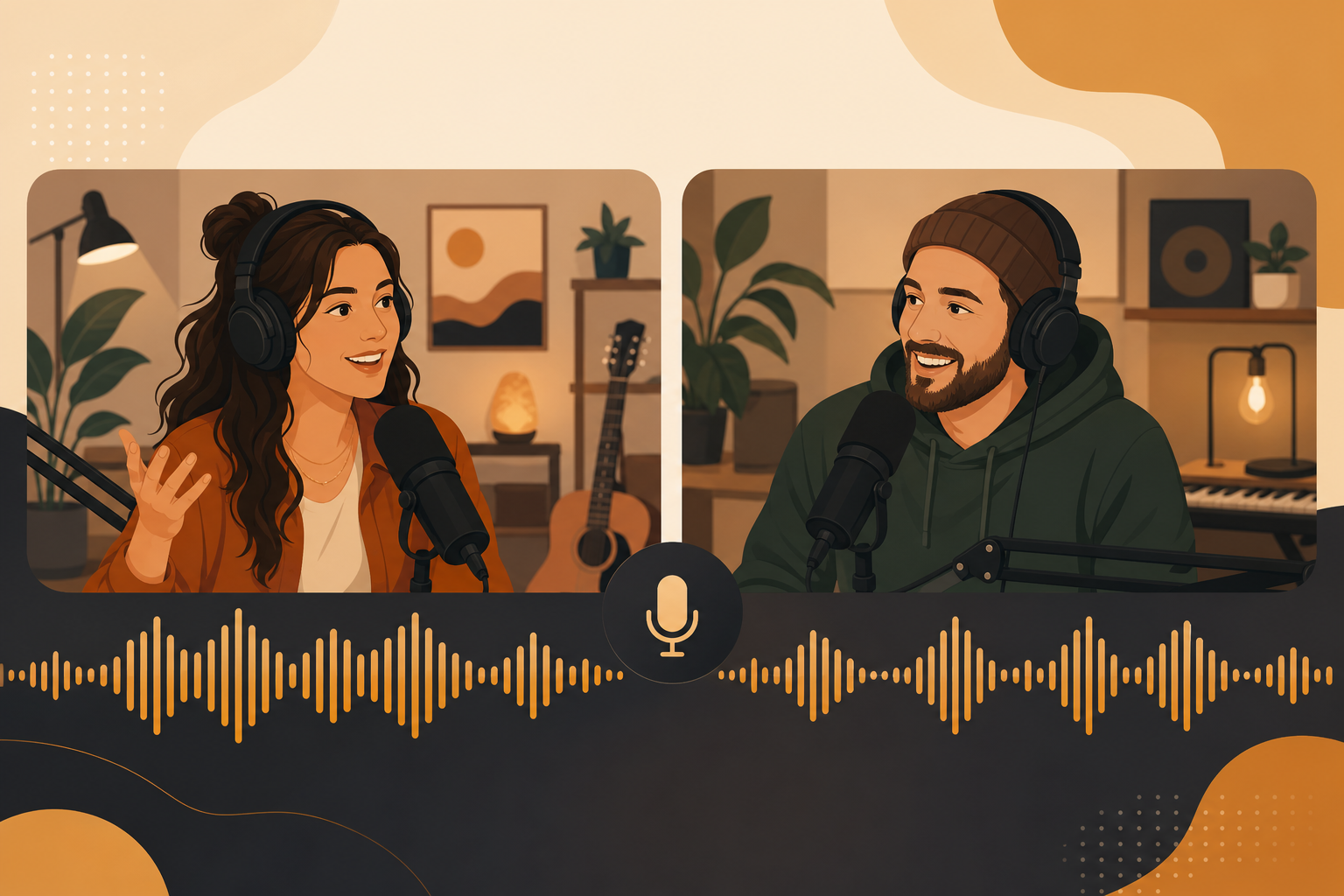
Remote podcasts mean different mics, rooms, and noise floors every episode—but your brand music should feel identical. Add royalty-free intro, outro, and segment audio from FreeBeatHub entirely in post for level-matched consistency.
The Remote Audio Consistency Problem
Host in treated closet, guest on laptop mic in kitchen—dialogue levels swing wildly. If intro music is baked into live stream, it inherits that chaos. Post-production music placement on a master template fixes brand audio regardless of guest setup.
- Centralized music survives variable guest quality
- Same intro file every episode—recognizable brand
- Editor controls ducking under remote dialogue
- No guest setup required for music compliance
Centralized Music in Post
Record dry dialogue only. Editor adds intro (10s), optional segment stings (3s), outro (15s) from master project. Store cleared tracks in show folder with version date. Never let guests supply their own beds—rights nightmare.

Level-Matching Intro and Outro
Normalize intro/outro to -16 LUFS. Dialogue target -19 to -16 LUFS after processing. Music under remote speech: duck 18 dB. Same numbers every episode—listeners feel consistency even when guest audio quality varies.
Segment Stings Added in Edit
Mark topic shifts in transcript, drop 2–3 second stings from podcast collection. Remote guests do not need to pause—editor inserts space. See chapter music guide.
Music vs Room Tone Mismatch
Remote room tone is often boomy or thin. High-pass dialogue at 80 Hz before mixing music. Keep beds on separate track—never record music through guest's open mic during Riverside/Zoom session.
Remote recording captures voices; post-production delivers the show.
Remote Podcast Music Workflow
- Maintain master DAW/Reaper template with music slots
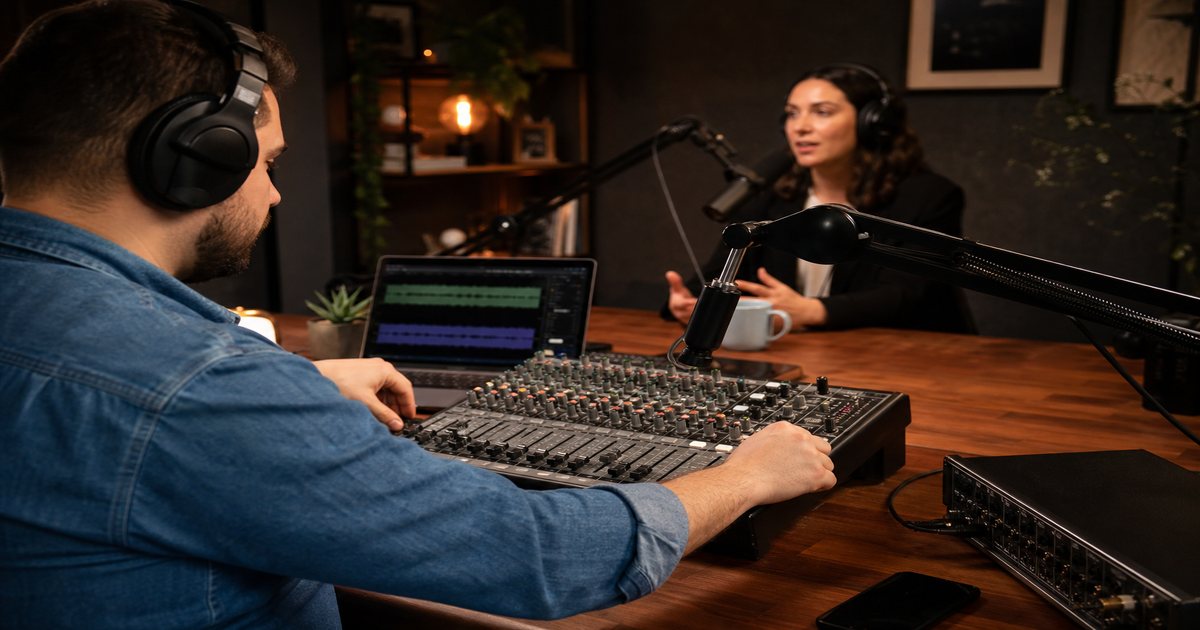
- Import remote tracks, level dialogue first
- Drop intro/outro from fixed files
- Add segment stings at marked timestamps
- Export at -16 LUFS, verify on phone + car
Remote Music Mistakes
- Playing intro music live on Zoom—levels vary per guest
- Different intro file each episode—no brand memory
- Guest background music audible—double layer in post
- Skipping normalization—intro deafens after quiet guest
- Uncleared guest-suggested tracks in final mix
Key Takeaways
- Add all music in post—not during remote recording
- Use master template with fixed intro/outro files
- Normalize to -16 LUFS for consistent playback
- Duck beds 18 dB under remote dialogue
- High-pass dialogue before mixing with music beds
| Element | Target Level | Added When | Source |
|---|---|---|---|
| Intro | -16 LUFS | Post | Fixed file |
| Dialogue | -19 to -16 LUFS | Record | Remote tracks |
| Segment sting | -18 LUFS peak | Post | Sting library |
| Outro | -16 LUFS | Post | Fixed file |
Ready to find your soundtrack? Browse thousands of royalty-free tracks on FreeBeatHub.
Browse Free MusicFrequently Asked Questions
Should remote guests hear intro music live?
Usually no—add music entirely in post so levels stay consistent regardless of guest mic quality.
How do I match music levels across episodes?
Normalize intro/outro to -16 LUFS integrated. Use the same source files every episode—never re-export from different projects.
Can co-hosts in different cities share sonic branding?
Yes. One editor adds identical intro, stings, and beds in post from a master template.
What if guest room tone clashes with music bed?
High-pass guest at 80 Hz, keep music bed separate track. Never mix live room tone under music during recording.