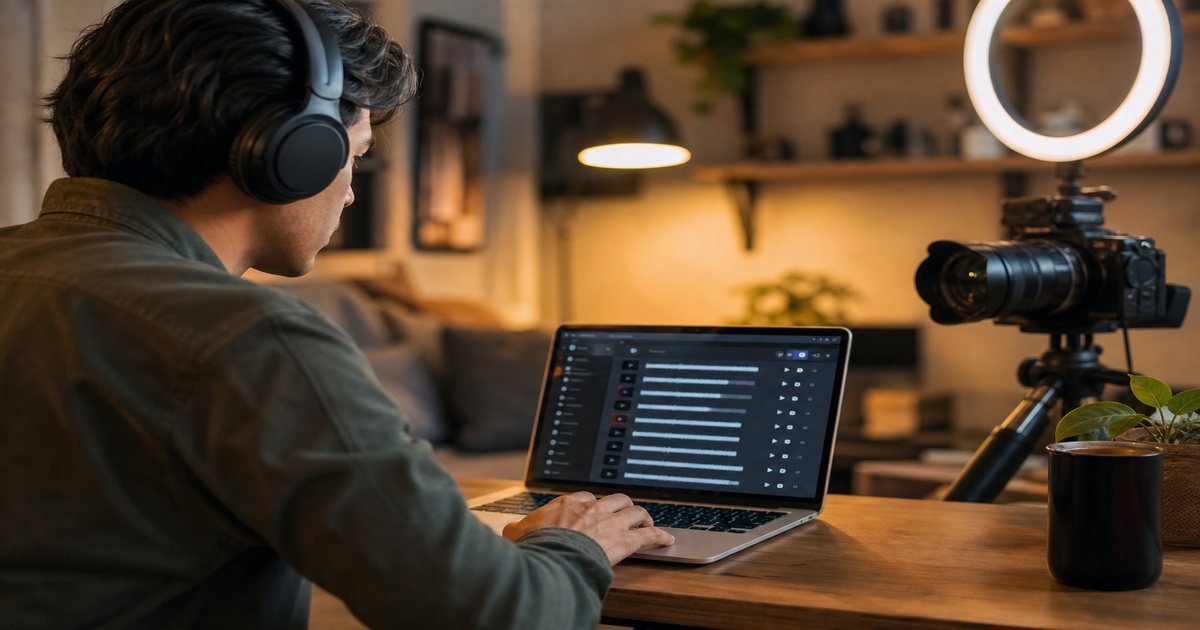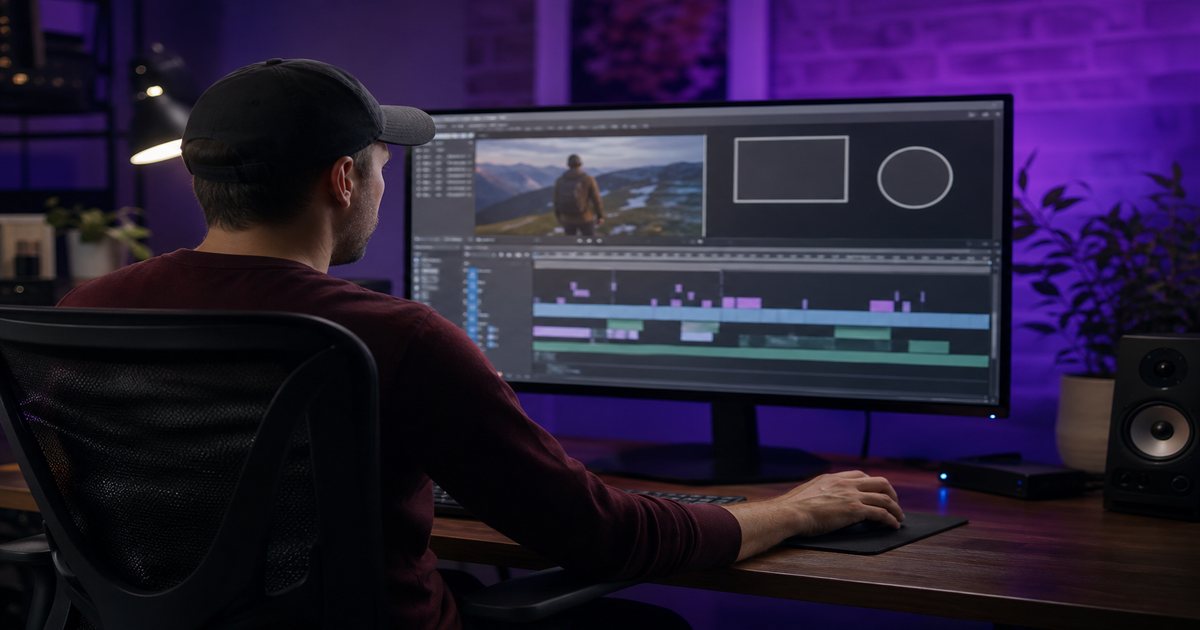
YouTube Shorts punish slow openings. Music is often the first signal viewers process—before they read your caption or register your face. This guide shows how to pick royalty-free Shorts beds from FreeBeatHub that hook fast, loop without clicks, and keep monetization clean.
How Shorts Audio Differs From Long-Form
Long-form YouTube rewards sustained watch time; Shorts reward replays, swipe-backs, and completion in under 60 seconds. That changes how you score audio. Beds need immediate energy, clean loops, and zero dead air in the first 500 milliseconds.
- Hooks must land before the swipe impulse
- Loops should feel intentional, not accidental
- Trending-style energy beats cinematic slow builds
- Voiceover must stay intelligible on phone speakers
The First-Second Hook Rule
Place your strongest transient—snare, bass hit, or synth stab—on the same frame as your visual hook. Pre-lap audio 2–4 frames before the cut if your NLE allows it; the ear leads the eye on mobile.
Visual-audio pairing
A jump cut on beat reads as professional even on phone footage. Browse electronic or gaming tags for punchy intros.
Choosing Loop-Friendly Tracks
Pick eight-bar sections with stable harmony—no key changes mid-loop. Fade tails under 150 ms to avoid clicks when Shorts auto-replays.
- Shortlist three tracks by mood tag
- Test 15-second loop in timeline
- Check harmonic stability at loop point
- Export with -1 dB headroom
If the loop annoys you after three plays, it will annoy the algorithm too.
Mixing Music Under Shorts Voiceover
Duck music 15–20 dB under spoken lines. Use a fast attack compressor on the music bus. High-pass music at 120 Hz so voice fundamentals stay clear.

A Fast Shorts Music Workflow
Build a "Shorts palette" of 10 cleared tracks sorted by BPM. Each filming day, tag clips with intended mood before edit. License once per week in a batch—see our batching guide.
Common Shorts Music Mistakes
- Using 45-second intros on a 20-second Short
- Copyrighted trending audio on monetized channels
- Mud in the 200–400 Hz range under voice
- Ignoring replay fatigue on looped beds
- Inconsistent volume across a Shorts series
Key Takeaways
- Hook audio on frame one with a clear transient
- Use loop-stable eight-bar sections
- Duck music 15–20 dB under voice
- Build a 10-track Shorts palette for speed
- Stay royalty-free for monetized uploads
| Shorts Type | Mood | BPM | Music Tip |
|---|---|---|---|
| Tutorial | Clean / Mid | 95–110 | Minimal drums, duck aggressively |
| Hype edit | Punchy | 125–140 | Cut on downbeats |
| Storytime | Warm | 85–100 | Soft pads, leave space for VO |
| Product demo | Corporate | 90–105 | Neutral beds, no vocals |
Ready to find your soundtrack? Browse thousands of royalty-free tracks on FreeBeatHub.
Browse Free MusicFrequently Asked Questions
Can I use the same music on Shorts and long-form videos?
Yes, if your license covers both formats. Keep Shorts versions louder and hook-forward; long-form beds can be calmer and longer.
What BPM works best for YouTube Shorts?
Most high-retention Shorts use 110–140 BPM for hype content and 90–110 BPM for tutorials. Match BPM to your cut rhythm.
Will Shorts music trigger Content ID?
Only if you use unlicensed commercial music. Royalty-free tracks from FreeBeatHub are cleared when you follow the license terms.
Should Shorts music be louder than long-form?
Shorts compete in a sound-on feed. Target -12 to -14 LUFS integrated, but duck under voice when you speak on camera.