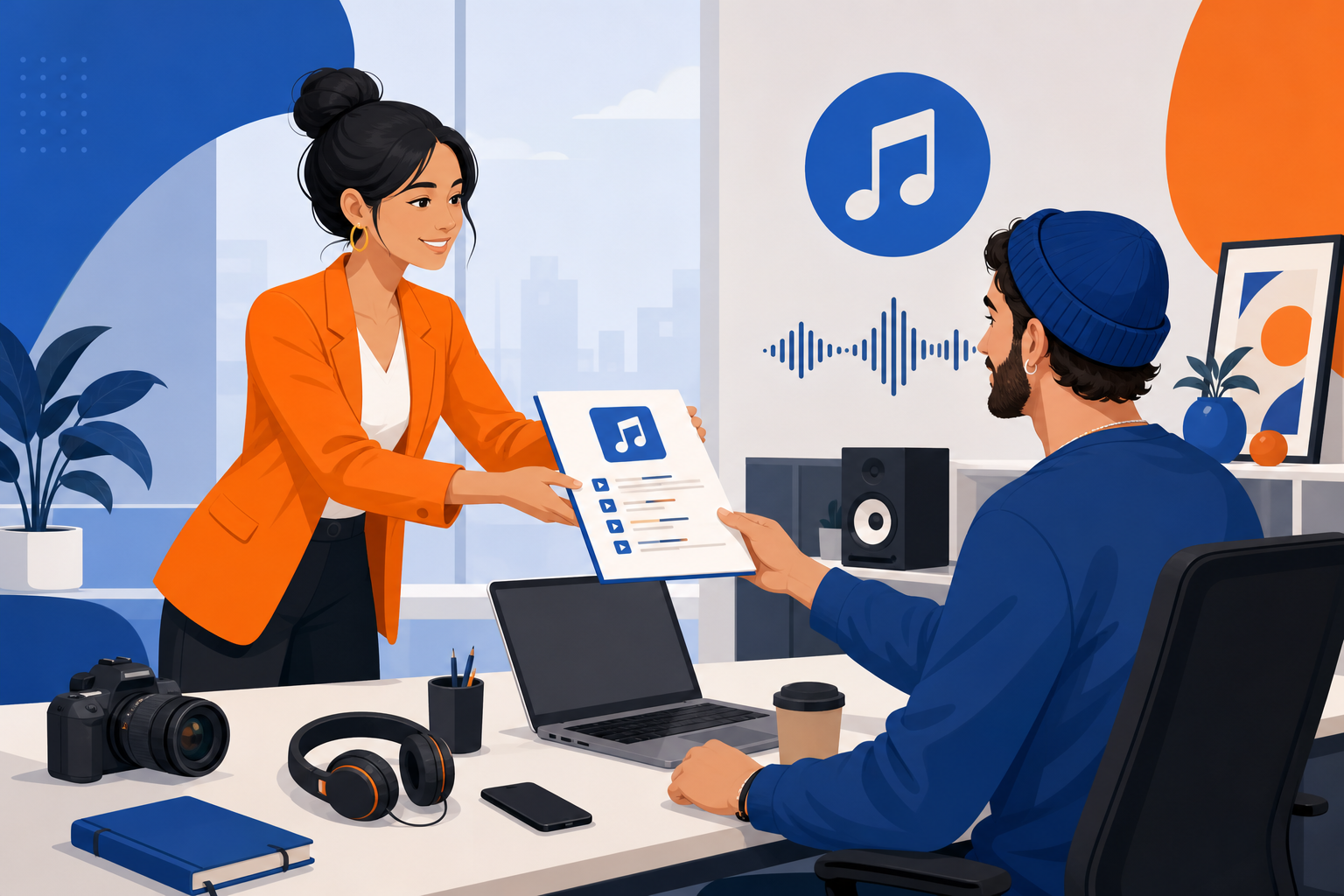
Influencer campaigns fail in post when creators submit videos scored with trending—but uncleared—audio. A tight music brief with approved royalty-free tracks from FreeBeatHub eliminates reshoots, speeds approval, and keeps whitelisted ads live.
Why Music Briefs Matter
Creators optimize for organic reach; brands optimize for paid clearance. Without explicit audio direction, both lose. Briefs align incentives: creators get usable specs, brands get deployable assets.
- Reduces approval cycles by 40–60% on average campaigns
- Prevents trending-sound whitelisting failures
- Builds consistent sonic identity across creators
- Documents compliance for legal review
Essential Brief Components
- Approved track list with license IDs
- Mood + BPM targets per content format
- Prohibited sources (Spotify, TikTok trending, radio)
- Volume guidance (music under voice)
- Deliverable: raw + final with listed track name
The Approved Playlist Method
Curate 8–15 tracks on FreeBeatHub tagged by use case: unboxing, testimonial, tutorial, lifestyle B-roll. Share direct browse links. Creators pick within bounds; compliance stays automatic.
Mood Language Creators Understand
Bad: "Make it feel exciting." Good: "Mid-energy corporate, 95–110 BPM, instrumental only, duck under voice." Reference a known brand sonic style if applicable—never reference copyrighted songs as targets.
Usage Rights in Plain English
State: organic post OK, paid whitelisting OK, territory (US/UK/global), flight dates, exclusivity window. Link to license terms. Creators ignore legalese—one bullet list works.
If the creator cannot pick a track in 60 seconds from your brief, the brief is too vague.
Copy-Paste Brief Template
Music: Use ONLY tracks from [playlist link]. List track name in delivery notes. No TikTok trending sounds. No Spotify. Music 15 dB under voice. Submit MP4 + track name + license screenshot. Questions: [contact].
Brief Mistakes That Cause Reshoots
- No playlist—creators guess
- Conflicting mood adjectives ("calm hype")
- Missing whitelisting clause for Spark Ads
- No prohibition on trending platform sounds
- Approving video but not verifying final export audio
Key Takeaways
- Include approved playlist with license IDs in every brief
- Use BPM + genre + "no vocals" instead of vague mood words
- State whitelisting and territory rights plainly
- Require track name in creator deliverables
- Prohibit trending and Spotify explicitly
| Brief Element | Include | Skip |
|---|---|---|
| Track source | Direct playlist URL | "Find something upbeat" |
| Mood | BPM + genre | "Like [artist name]" |
| Rights | Whitelisting + dates | Legal paragraph only |
| Delivery | Track name + proof | Video file alone |
Ready to find your soundtrack? Browse thousands of royalty-free tracks on FreeBeatHub.
Browse Free MusicFrequently Asked Questions
Should brands let influencers pick their own music?
Only from a pre-approved playlist. Open selection leads to trending sounds that fail in paid whitelisting.
What mood descriptors work best in briefs?
Pair adjectives with BPM ranges and reference genres: 'warm corporate, 90–105 BPM, no vocals' beats 'fun and upbeat.'
Do briefs need license IDs?
Yes. Include track name, library source, license tier, and download date so legal can verify in one glance.
How many tracks should an approved playlist include?
8–15 tracks across 2–3 mood buckets gives creators choice without overwhelming compliance.