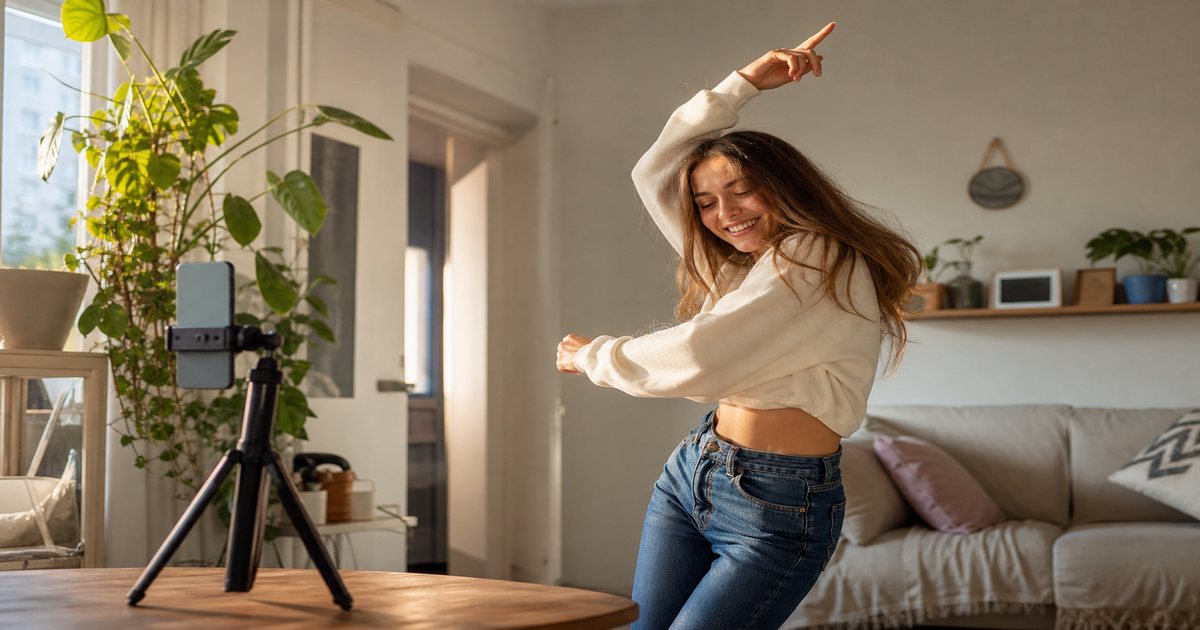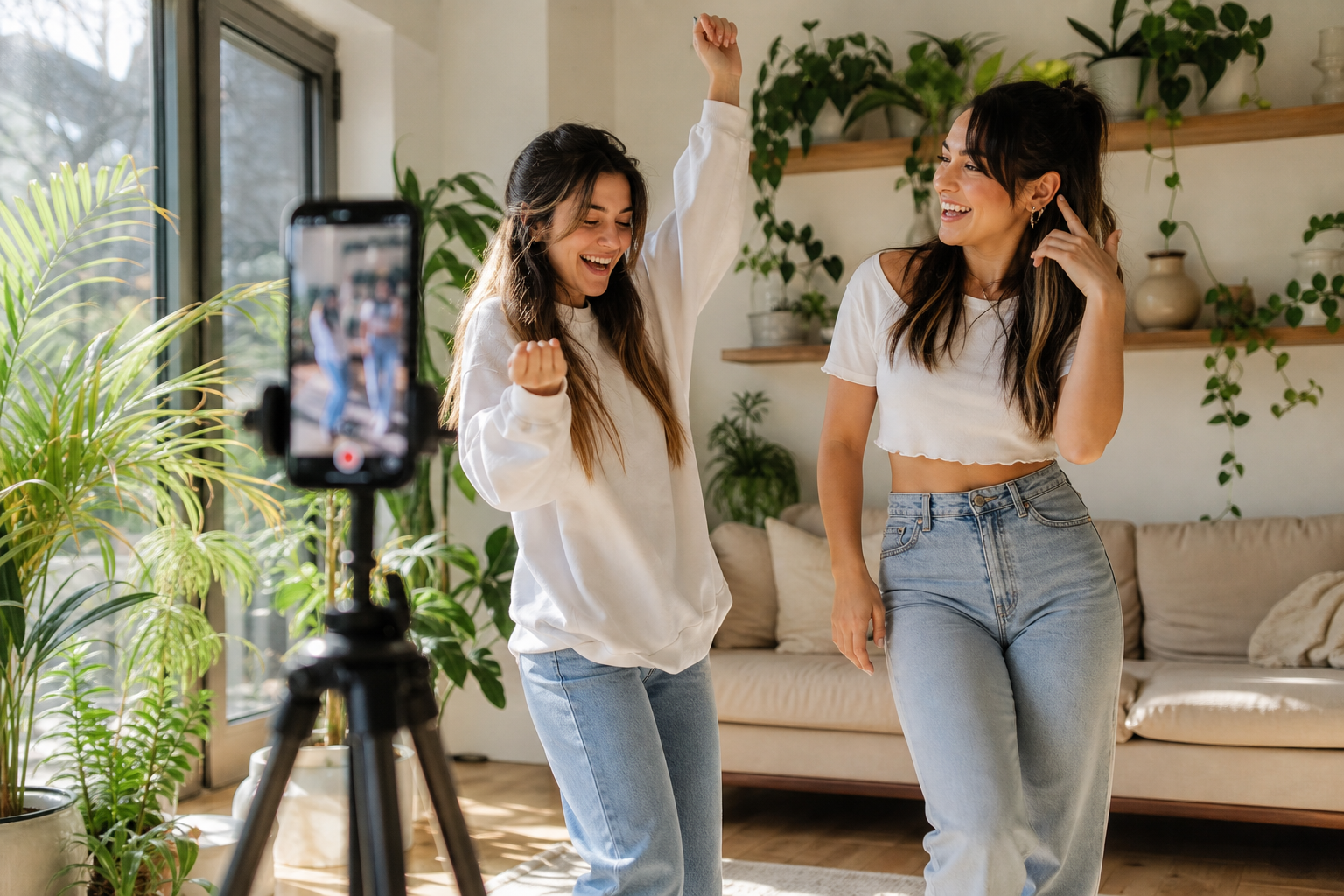
Instagram Collab Reels double reach—but double the risk if audio only works for one creator. Royalty-free collab beds from FreeBeatHub give both profiles a shared hook that stays copyright-safe and on-brand.
Collab Audio Goals
Collabs should feel like one piece, not two videos glued together. Music bridges different filming setups, lighting, and niches into a single rhythm.
- One track both creators can repost safely
- Hook lands before the collab handoff
- Energy works for both audiences
- No platform audio restrictions on either account
One Hook, Two Brands
Select a track with a clear opening transient in the first second—both creators cut to beat zero. Neutral mood tags like pop or corporate avoid clashing with either niche.
Split-Edit Beat Sync
Handoff on bar two or four—not mid-phrase. Send the track to your collab partner before shoot day. Matching foot tap or head nod on beat reads as professional even on phone footage.
Matching Brand Tones
Document both creators' sonic palettes. Choose beds between their extremes—a warm acoustic collab between a fitness creator and a food creator might use upbeat acoustic at 110 BPM.
Licensing for Collabs
Confirm your license covers multiple channels and co-branded posts. Share project files with track name and download date in a collab brief doc.
Collab Music Workflow
- Agree on mood + BPM in DMs
- Send cleared track link from FreeBeatHub
- Both film to same beat markers
- Editor syncs handoff on downbeat
- Both publish via Collab tag same day
Collab Music Mistakes
- Each creator used different music locally—Collab shows one track only
- Handoff on weak beat—feels like a glitch
- One creator's trending audio blocks the other
- Track too niche for partner's audience
- No written license confirmation in collab agreement
Key Takeaways
- Choose one cleared track before filming
- Sync collab handoff on a downbeat
- Pick neutral mood that fits both brands
- Document license for both accounts
- Hook in first second on both clips
| Collab Pair | Suggested Mood | BPM | Handoff Bar |
|---|---|---|---|
| Fitness + lifestyle | Upbeat pop | 118–125 | Bar 4 |
| Beauty + fashion | Soft electronic | 110–115 | Bar 2 |
| Business + tech | Corporate clean | 105–112 | Bar 4 |
| Travel + photo | Cinematic warm | 95–105 | Bar 8 |
Ready to find your soundtrack? Browse thousands of royalty-free tracks on FreeBeatHub.
Browse Free MusicFrequently Asked Questions
Do both creators need music rights for Collab Reels?
Each creator's account should use cleared audio. Royalty-free tracks from one licensed library shared in the edit keeps both sides safe.
Should collab Reels use trending Instagram audio?
Trending sounds limit reach for some accounts and split analytics. Royalty-free hooks you own perform consistently across both profiles.
How do I sync a handoff between creators?
Place the collab cut on a downbeat or snare. Both clips should hit the same BPM—pick the track before filming.
What length works for collab Reels?
15–30 seconds with hook in first second. Music should resolve or loop cleanly before the collab tag appears.