One filming day should fuel a week of posts—not five separate music searches. A repurpose workflow starts with one cleared master bed from FreeBeatHub, then branches into vertical hooks, carousel clips, and podcast strips without licensing chaos.
Start With a Master Long-Form Edit
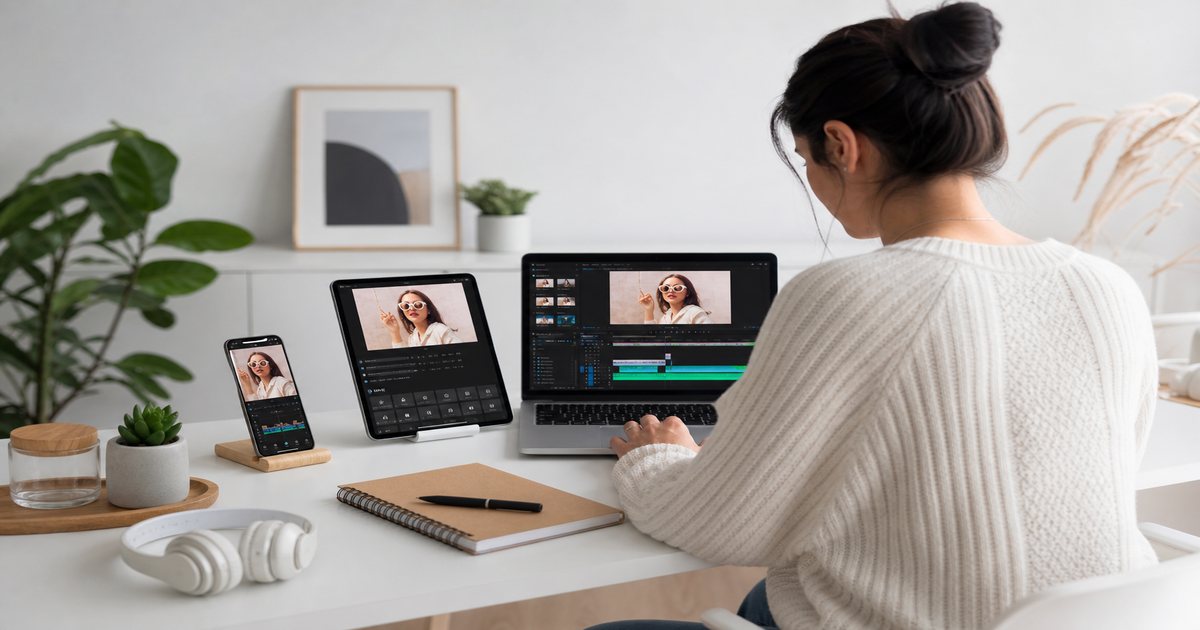
Edit the YouTube or main long-form version first with full music arc—intro, sustain, outro. Mark hook timestamps and section changes on the timeline for downstream crops.
Export a music-only bounce from the master session for podcast and audio-only reuse.
Vertical Crops and Hook Retiming
Shorts and Reels need the strongest eight to fifteen seconds. Retime the opening hit to frame one; do not simply crop the long-form intro if it builds slowly.

Carousel and Static Extracts
Export slide sequences as video with the same bed loop trimmed to total swipe duration. See carousel music guide for swipe-point fills.
Podcast Audio Strip
Pull VO from the master timeline, export companion underscore from the same music session at podcast loudness (-16 to -18 LUFS). Keeps brand cohesion when viewers consume video and audio versions.
- Export WAV music stem from master NLE
- Normalize separately for podcast targets
- Remove video-sfx tails not needed in audio
- Archive stem with license ID
Loudness Per Platform
YouTube long-form: -14 LUFS. Shorts/Reels: slightly punchier transients, same integrated target. Podcast: -16 to -18 LUFS. Do not one-click normalize all exports identically without platform presets.
Same track, different loudness spec—platforms are not interchangeable outputs.
Repurpose Audio Checklist
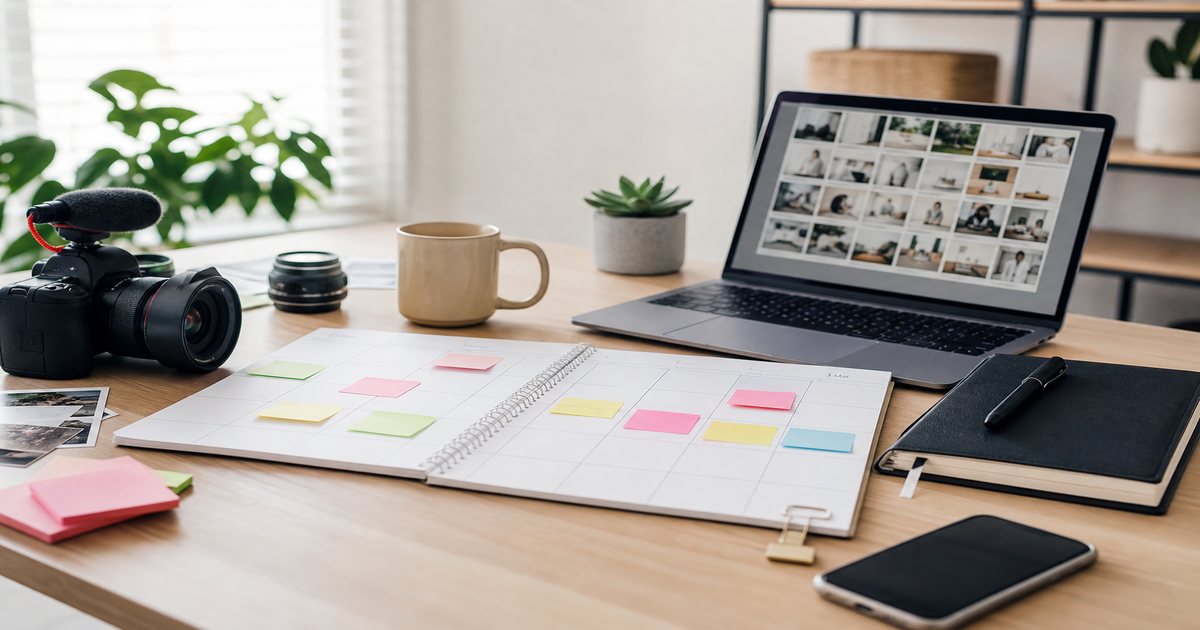
From one master: long-form publish, vertical hook export, carousel video, podcast strip, social teaser. Log each export in your calendar with publish stagger to avoid same-day audio fatigue. Questions on reuse rights? Check license and FAQ.
- Lock master long-form with marked hooks
- Export vertical with retimed opening hit
- Build carousel video with loop trim
- Normalize podcast strip separately
- Stagger publishes across 48–72 hours

Key Takeaways
- Edit long-form master first with marked hook timestamps
- Retime vertical hooks—do not blind-crop slow intros
- Export podcast strips from the same cleared music session
- Apply platform-specific loudness presets on export
- Stagger repurposed publishes to avoid same-day audio fatigue
| Format | Music Section | Length | LUFS Target |
|---|---|---|---|
| YouTube long | Full arc | Full track trim | -14 integrated |
| Shorts / Reels | Hook section | 8–15 sec | -14 with punchier peaks |
| Carousel video | Stable loop | Slide count × sec | -14 integrated |
| Podcast strip | Underscore stem | Episode length | -16 to -18 |
Ready to find your soundtrack? Browse thousands of royalty-free tracks on FreeBeatHub.
Browse Free MusicFrequently Asked Questions
Can I use the same license for all repurposed formats?
Most FreeBeatHub creator licenses cover multiple formats on the same channel brand. Verify ad and whitelisting needs for paid variants.
Should Shorts use the same music section as long-form?
Use the hookiest eight bars for Shorts; long-form can use full intros and outros.
How do I avoid audio fatigue across formats?
Same track is fine; vary visual hooks and entry points. Do not publish five identical audio loops same day on one profile.
Can podcast strips use video beds?
Yes—export audio-only from the same cleared master. Normalize separately for podcast LUFS targets.