Donation alerts are micro-moments of celebration—bad audio makes them interruptions. Meme clips get stale and risk DMCA; generic buzzers feel cheap. Build tiered alert stings from FreeBeatHub that match your stream identity and stay safe on VODs.
Why Alert Audio Matters
Alerts punctuate marathon streams. Viewers remember sonic rewards—consistent stings become part of community culture. Wrong tone (horror sting for wholesome channel) breaks immersion instantly.
- Alerts reinforce brand personality
- Tiered sounds incentivize higher support
- Consistent cues build inside-joke culture
- VOD-safe audio protects highlight reels
Designing On-Brand Alert Sounds
Extract 1–3 second hits from longer royalty-free tracks—risers for subs, resolved chimes for donations, punchy stabs for raids. Match your stream bed genre: lofi streams get soft bells; FPS streams get tight percussion.
Volume Hierarchy on Stream
Priority: voice > game > alerts > background music. Set alert browser source to -8 to -12 dBFS peak. Compress alerts lightly so $5 and $50 feel proportional, not identical volume.
OBS Alert Audio Setup
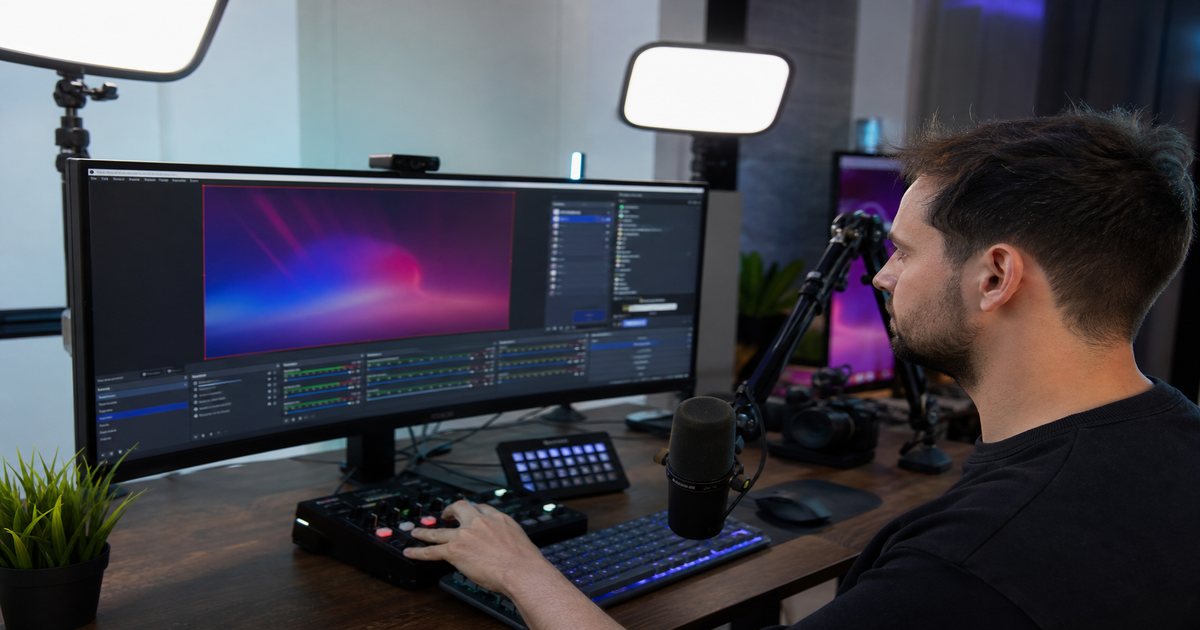
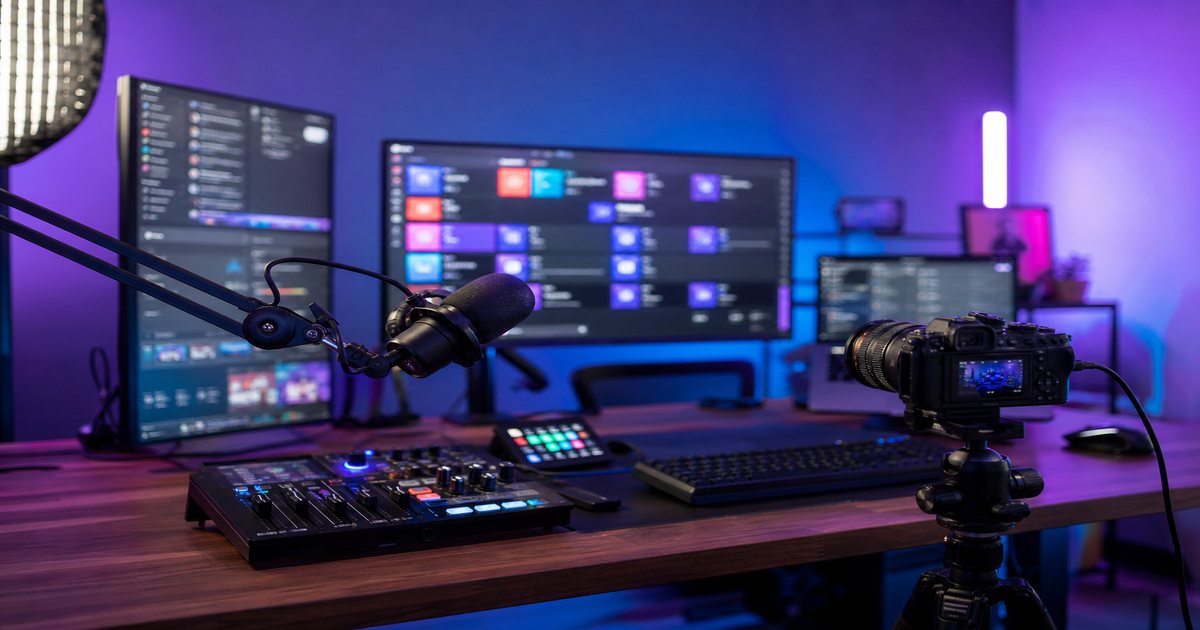
Route alerts through dedicated OBS audio track for VOD muting if needed. Use Streamlabs or Streamelements with custom MP3 uploads. Test with recorded VOD playback—alerts often clip when live mix feels fine.
VOD-Safe Alert Libraries
Every alert file needs the same clearance as stream beds. Document downloads alongside your DMCA-safe playlist. Replace meme alerts when platforms re-scan old VODs.
If you would not loop it for 4 hours, it is probably wrong for alerts too.
Alert Music Playbook
- Define 4 tiers: follow, sub, donation, raid
- Cut 2-second stings from 5 cleared tracks
- Normalize to -14 LUFS per sting
- Upload to alert platform, test on stream offline
- Review VOD next day for clipping
Alert Sound Mistakes
- Full 30-second songs as alerts
- Copyrighted meme audio on monetized VODs
- Same sting for every event—no tier excitement
- Alerts louder than host—viewers flinch
- Horror/screech stings on family-friendly channels
Key Takeaways
- Cut 1–3 second stings from cleared royalty-free tracks
- Tier different sounds for follow, sub, donation, raid
- Keep alert peaks 3–6 dB below voice level
- Route alerts on isolated OBS audio track
- Verify VOD playback—alerts often clip live
| Alert Type | Sound Character | Length | Genre Match |
|---|---|---|---|
| Follow | Soft ping | 1s | Any |
| Sub | Rising chime | 2s | Stream bed family |
| Donation | Cash-register resolve | 2–3s | Brand mood |
| Raid | Impact + swell | 3s | High energy |
Ready to find your soundtrack? Browse thousands of royalty-free tracks on FreeBeatHub.
Browse Free MusicFrequently Asked Questions
Can donation alert music cause DMCA strikes?
Yes if alerts use unlicensed commercial clips. Use royalty-free stings cleared for broadcast and VOD.
How loud should donation alerts be?
Peak 3–6 dB below your voice level. Alerts should notify, not deafen.
Should every alert tier use different music?
Yes—tiered stings reward bigger support without playing the same 2-second clip for $1 and $100.
Can I use meme sounds for alerts?
Meme clips often lack broadcast rights. Custom royalty-free stings age better and stay monetizable.