Instagram Live is long-form in a short-form world. Viewers join mid-broadcast, leave during lulls, and replay highlights later. Royalty-free beds from FreeBeatHub fill dead air during setup, support demos, and keep replays copyright-safe.
How Live Audio Differs From Reels
Reels need a frame-one hook; Live needs sustained comfort. Beds should loop cleanly for 20–45 minutes without harmonic drift or listener fatigue. Energy stays mid—never competing with your voice.
- Pre-show beds cover late joiners
- Segment stings mark Q&A vs product demos
- Lower energy than Reels—marathon not sprint
- Replays inherit your full audio mix
Pre-Show Waiting Room Music
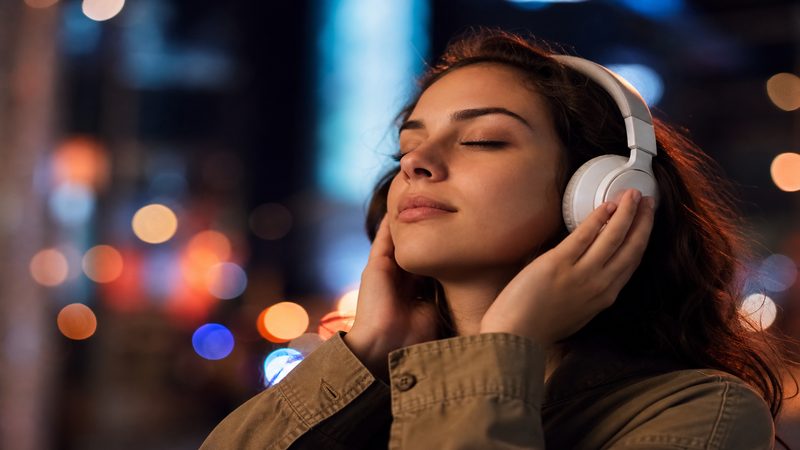
Start broadcasting 2–3 minutes early with a calm loop while you test AV. Viewers who arrive early associate the bed with "show starting soon." Fade it 5 dB when you begin speaking—don't hard-cut.
Scoring Q&A and Demo Segments
Use distinct 5-second stings to mark segment changes—Q&A, giveaway, product demo. Same sonic palette as your Reels for brand consistency. Browse corporate loops for professional lives.
Mixing Music Under Live Voice
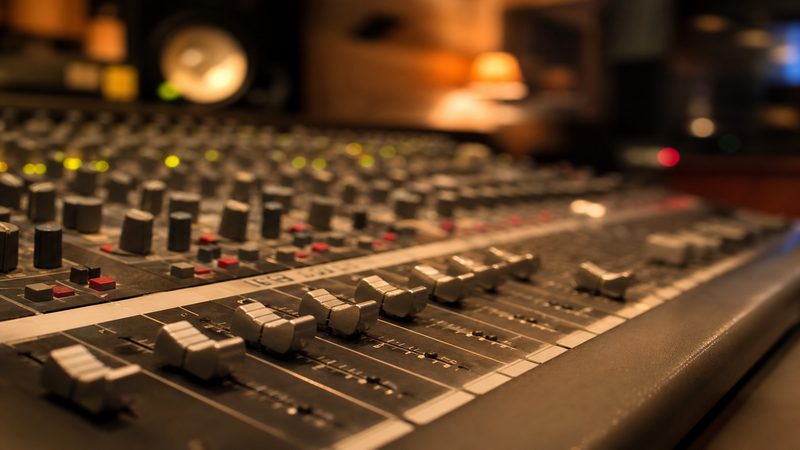
Route music through OBS or your phone's secondary audio if possible. Duck 18–22 dB under speech. If mixing in-app only, keep beds very low—Live compresses aggressively.
Copyright Rules for Live
Instagram scans replays like Reels. Trending audio may work live but fail on replay distribution. Document licenses for brand accounts—see our license page.
Treat every Live replay as a permanent asset, not a throwaway stream.
Live Music Playbook
- Build a 5-track Live palette (pre-show, main, Q&A, demo, outro)
- Test loop points for 30-minute stability
- Save segment stings in a hot folder
- Log which beds performed best via replay retention
Common Live Music Mistakes
- Reels hype tracks for 45-minute broadcasts
- Copyrighted background radio audible on mic
- No fade between pre-show and start—jarring cut
- Same 8-bar loop for entire stream
- Music louder than voice on phone speakers
Key Takeaways
- Live beds need loop stability for 20–45 minutes
- Use pre-show music for early joiners
- Segment stings mark Q&A and demo transitions
- Duck music 18–22 dB under live voice
- Only use cleared tracks—replays get scanned too
| Live Type | Bed Mood | BPM | Duration |
|---|---|---|---|
| Product launch | Corporate | 90–105 | 30–60 min |
| Q&A | Ambient / Lofi | 80–95 | 20–45 min |
| Workshop | Minimal | 75–90 | 45–90 min |
| Behind the scenes | Chill / Indie | 85–100 | 15–30 min |
Ready to find your soundtrack? Browse thousands of royalty-free tracks on FreeBeatHub.
Browse Free MusicFrequently Asked Questions
Can I play music during Instagram Live?
Yes with properly licensed royalty-free tracks. Commercial radio and trending audio can trigger muting or takedowns on replays.
Should live music be louder than Reels audio?
Live is longer-form. Keep beds 15–20 dB under voice and avoid aggressive loops that fatigue viewers over 30+ minutes.
Do live replays keep the music?
Replays retain your audio mix. Use only cleared tracks so highlights and reposts stay monetizable.
What genre works for product launch lives?
Light corporate or ambient beds under demos—avoid vocals and heavy drops that distract from the product.