Hard cuts feel like slideshows. J-cuts and L-cuts let audio lead the eye—viewers hear the next scene before they see it, and retention smooths. Pair the technique with royalty-free music from FreeBeatHub and transitions feel scored, not stitched.
J-Cuts vs L-Cuts Explained
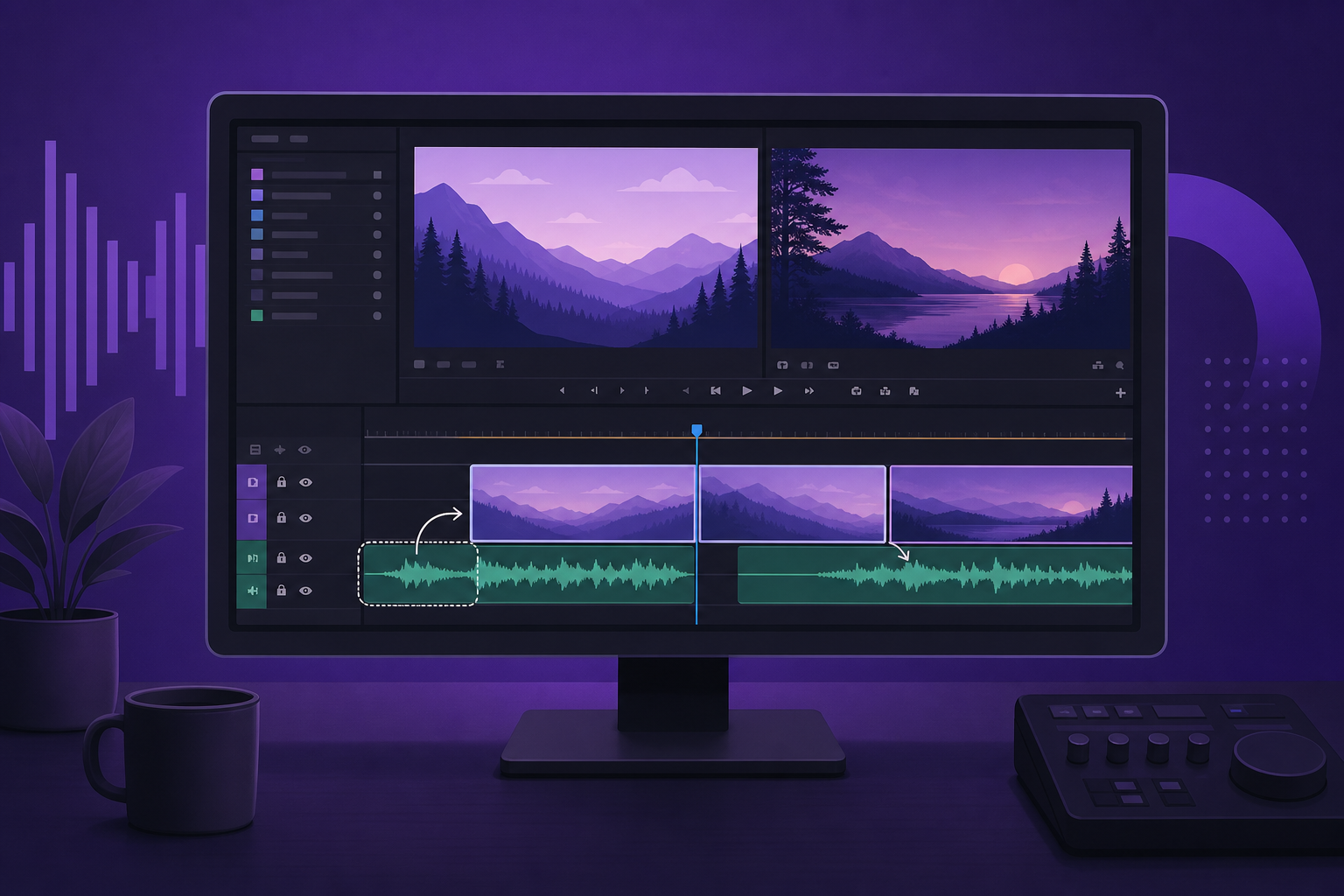
A J-cut: next scene's audio starts early. An L-cut: current scene's audio continues over the next picture. Music beds make both invisible—listeners feel flow without noticing the edit.
- J-cut: audio leads, video follows
- L-cut: video leads, audio lingers
- Music bridges hide jump cuts in vlogs
- Dialogue J-cuts need careful ducking
Music as Transition Glue
Extend your royalty-free bed 1–2 bars across the cut point. Viewer hears continuous music while visuals change—brain interprets unity. Pick tracks with steady harmonic loops, not dramatic key changes mid-bridge.

Setting Up J-Cuts in Premiere
- Unlink audio/video on the outgoing clip (Ctrl/Cmd+L)
- Extend outgoing audio or pre-lap incoming audio
- Add crossfade 6–12 frames at overlap
- Use Ripple Trim to keep total duration tight
- Label cut points with markers synced to beats
Essential shortcuts
Q/W trim, Shift+K for playhead sync, and nest music on a dedicated track for global level rides.
Syncing Cuts to the Beat
Drop markers on downbeats (M key). Place J-cut pre-laps 2–4 frames before the marker so ear leads eye. See our editing to the beat guide for BPM workflows.
J-Cuts With Dialogue and Music
When pre-lapping speech, duck music 6 dB during words. When pre-lapping music only, swell 2 dB into the cut for emphasis. Never J-cut two competing dialogue lines without space.
Music-Led Edit Workflow
Rough cut silent → lay bed → mark phrases → place J-cuts on phrase boundaries → trim video to fit. Faster than cutting picture first and fighting audio later.
Common J-Cut Mistakes
- Pre-lapping unrelated room tone—sounds like error
- Music key change exactly on cut—jarring
- Too-long pre-laps on Shorts—delays hook
- No crossfade—click or pop on edge
- Competing J-cuts every 3 seconds—whiplash
Key Takeaways
- J-cuts let audio pull viewers into the next scene
- Continuous music beds hide hard visual cuts
- Mark downbeats before placing pre-laps
- Duck music when pre-lapping dialogue
- Edit to music phrases for fastest workflow
| Format | Pre-lap Length | Music Role | Tool |
|---|---|---|---|
| YouTube long-form | 2–4s | Continuous bed | Premiere ripple |
| Shorts / Reels | 0.5–1s | Beat hit | Marker sync |
| Podcast video | 1–2s | Topic sting | L-cut dialogue |
| Vlog montage | 1 bar | Phrase bridge | Nested music track |
Ready to find your soundtrack? Browse thousands of royalty-free tracks on FreeBeatHub.
Browse Free MusicFrequently Asked Questions
What is a J-cut in video editing?
Audio from the next scene starts before the video cuts—shaped like the letter J on the timeline. It pulls viewers into the next moment smoothly.
Should J-cuts align to music beats?
When using rhythmic beds, yes. Pre-lap audio on downbeats so transitions feel intentional, not accidental.
Do J-cuts work with royalty-free music?
Absolutely. Instrumental beds with clear phrasing make the best bridges—vocals can confuse the handoff.
How long should a J-cut pre-lap be?
Typically 0.5–2 seconds for short-form, 2–4 seconds for long-form. Match to musical phrase length.