Hard music cuts scream amateur—especially when swapping royalty-free beds mid-video. DaVinci Resolve Fairlight gives precise fade curves and crossfades that make tracks from FreeBeatHub feel like one continuous score.
Fade Types in Fairlight
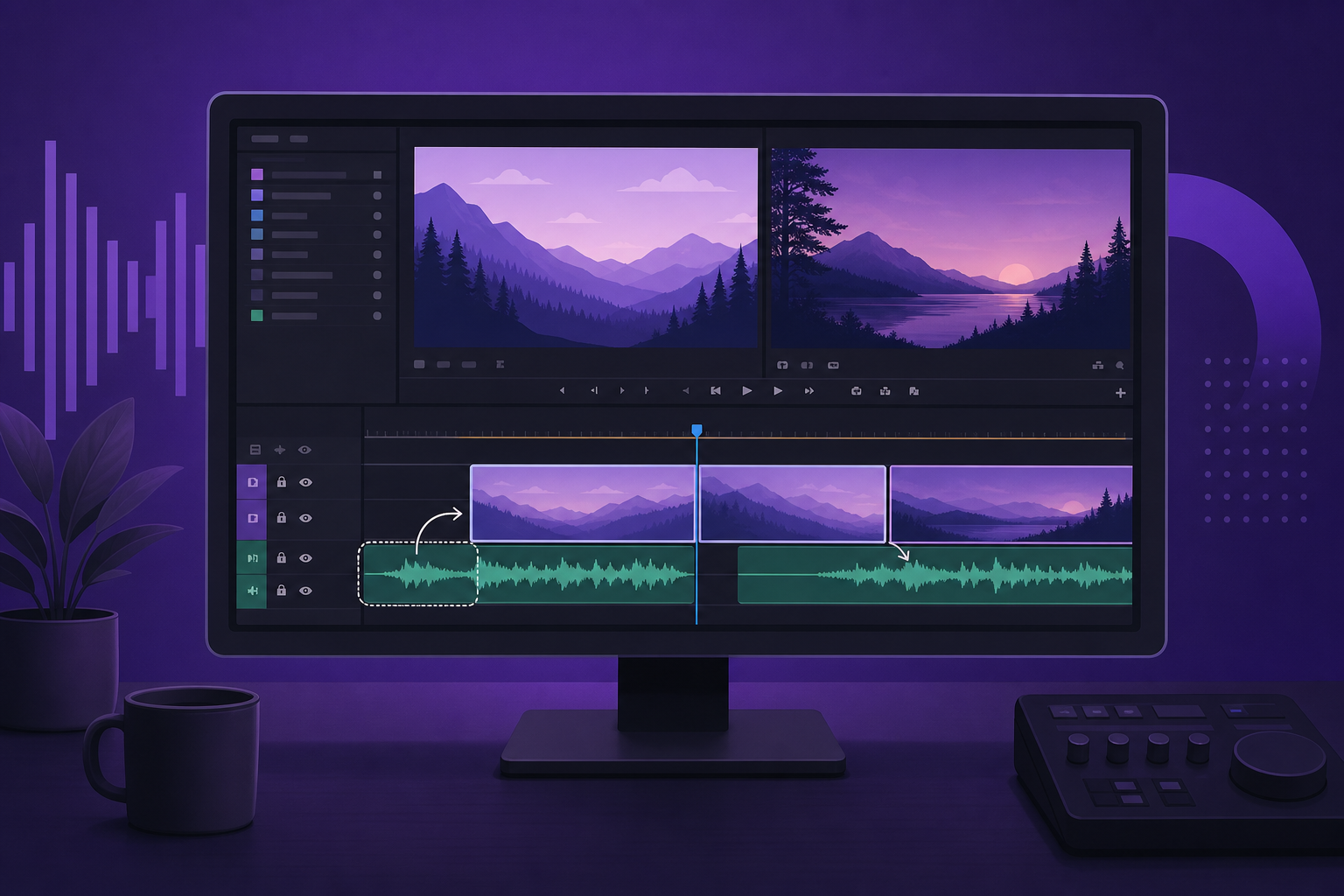
Resolve offers fade-in/out handles on clip edges, crossfades between overlapping clips, and keyframed volume automation. For music beds, overlap + crossfade is cleaner than fade-out to silence then fade-in.
- Edge fades: clip start/end
- Crossfades: overlapping adjacent clips
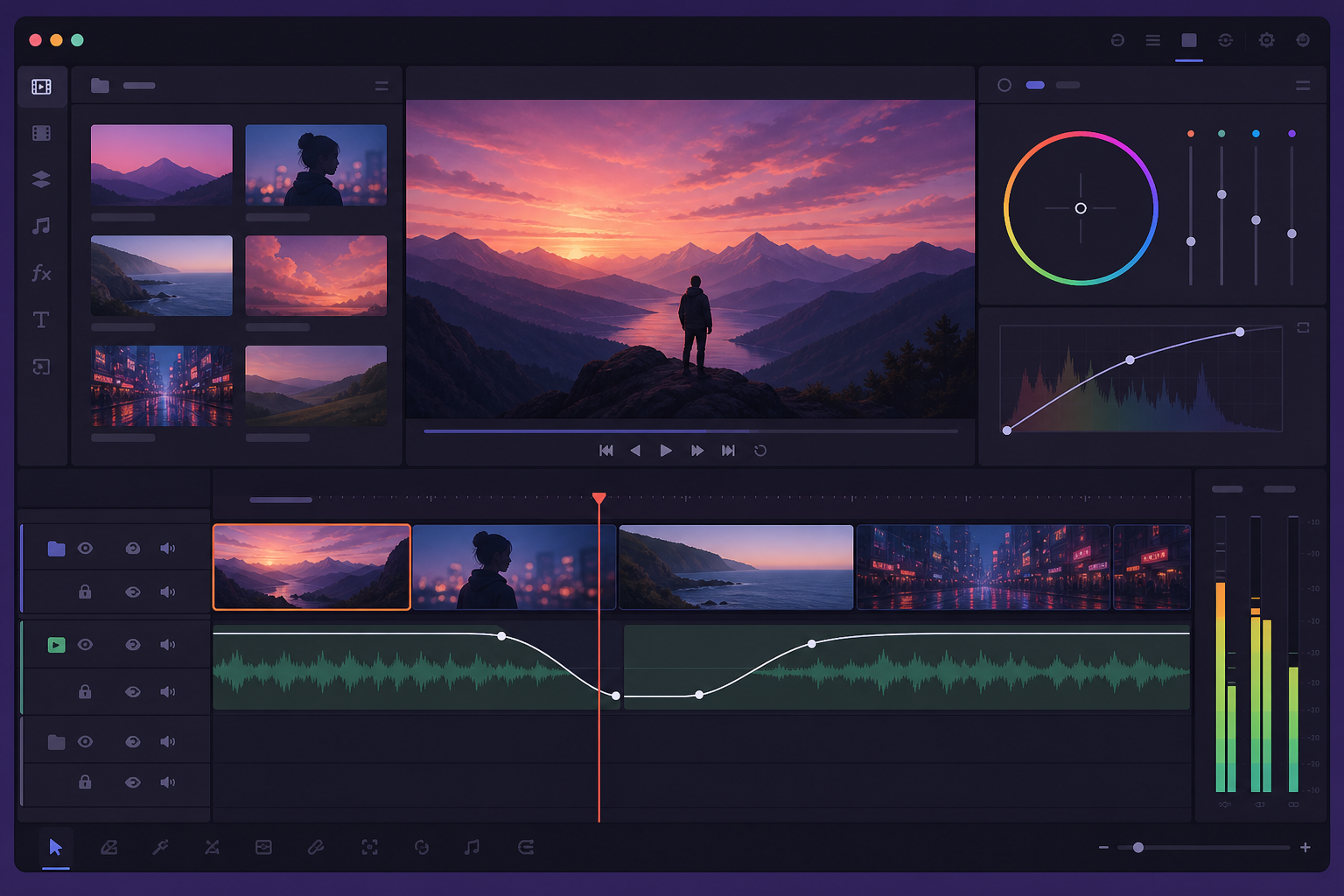
- Keyframes: dynamic ducking under voice
- Auto-crossfade: enable in track header for quick edits
Crossfade Basics for Music Beds
Overlap clips 24–48 frames. Drag fade handles to create X-shaped crossfade. Listen for level dip in center—adjust overlap if crossfade sounds thin. Same-genre beds crossfade smoother than genre jumps.

Log vs Linear Fade Curves
Linear fades sound mechanical—ear perceives volume drops unevenly. Logarithmic (S-curve) fades match human hearing. In Fairlight, right-click fade → adjust curve type. Outgoing: slow start, fast end. Incoming: opposite.
Aligning Fades to Beats
Place crossfade center on downbeat when swapping similar BPM tracks. Mark beats with M key on music track. Misaligned crossfades create rhythmic hiccup viewers feel but cannot name.

Volume Automation With Keyframes
For dialogue ducking: enable volume keyframes on music track, drop 12–18 dB under speech, restore on pauses. Smoother than static crossfade when voice is intermittent.
Resolve Music Fade Workflow
- Lay all music beds on dedicated track
- Overlap transitions 1–2 seconds
- Apply log crossfades, adjust curves
- Mark downbeats, nudge overlap to align
- Keyframe duck under dialogue
- Export, check on phone speaker
Fade Mistakes to Avoid
- Fade to silence between every scene—choppy pacing
- Linear curves on music— sounds robotic
- Crossfade longer than 3 seconds on Shorts
- Genre clash with short crossfade—use sting bridge instead
- Ignoring clip gain before fading— peaks still clip
Key Takeaways
- Overlap music clips 24–48 frames for crossfades
- Use logarithmic curves—not linear—for natural fades
- Align crossfade centers to downbeats when BPM matches
- Keyframe volume for dialogue ducking
- Keep dedicated music track for global level control
| Transition | Overlap | Curve | Use Case |
|---|---|---|---|
| Same bed loop | 12 frames | Log | Seamless extend |
| Genre swap | 48 frames + sting | Log | Topic shift |
| VO duck | Keyframes | Linear OK | Speech sections |
| Short-form | 6–12 frames | Log | Reels / Shorts |
Ready to find your soundtrack? Browse thousands of royalty-free tracks on FreeBeatHub.
Browse Free MusicFrequently Asked Questions
How long should a music crossfade be in Resolve?
For background beds, 1–2 seconds (24–48 frames at 24fps). For stings and hits, 6–12 frames. Match to musical phrase length.
Linear or logarithmic fade curves?
Use log fades for natural music exits—linear fades sound abrupt to human ears. Fairlight defaults can be adjusted in fade handles.
Can I crossfade between different BPM tracks?
Yes if crossfade spans 2–4 bars and you align downbeats manually. Misaligned BPM crossfades need longer overlap or a transitional sting.
Does Resolve have auto-ducking for music?
Fairlight supports dynamics and sidechain. For simple ducking, keyframe volume on music track under dialogue.