Manual beat matching in Final Cut Pro burns hours. Music markers turn royalty-free beds from FreeBeatHub into an edit grid—every cut, title, and speed ramp lands on time.
Beat Markers in Final Cut Pro
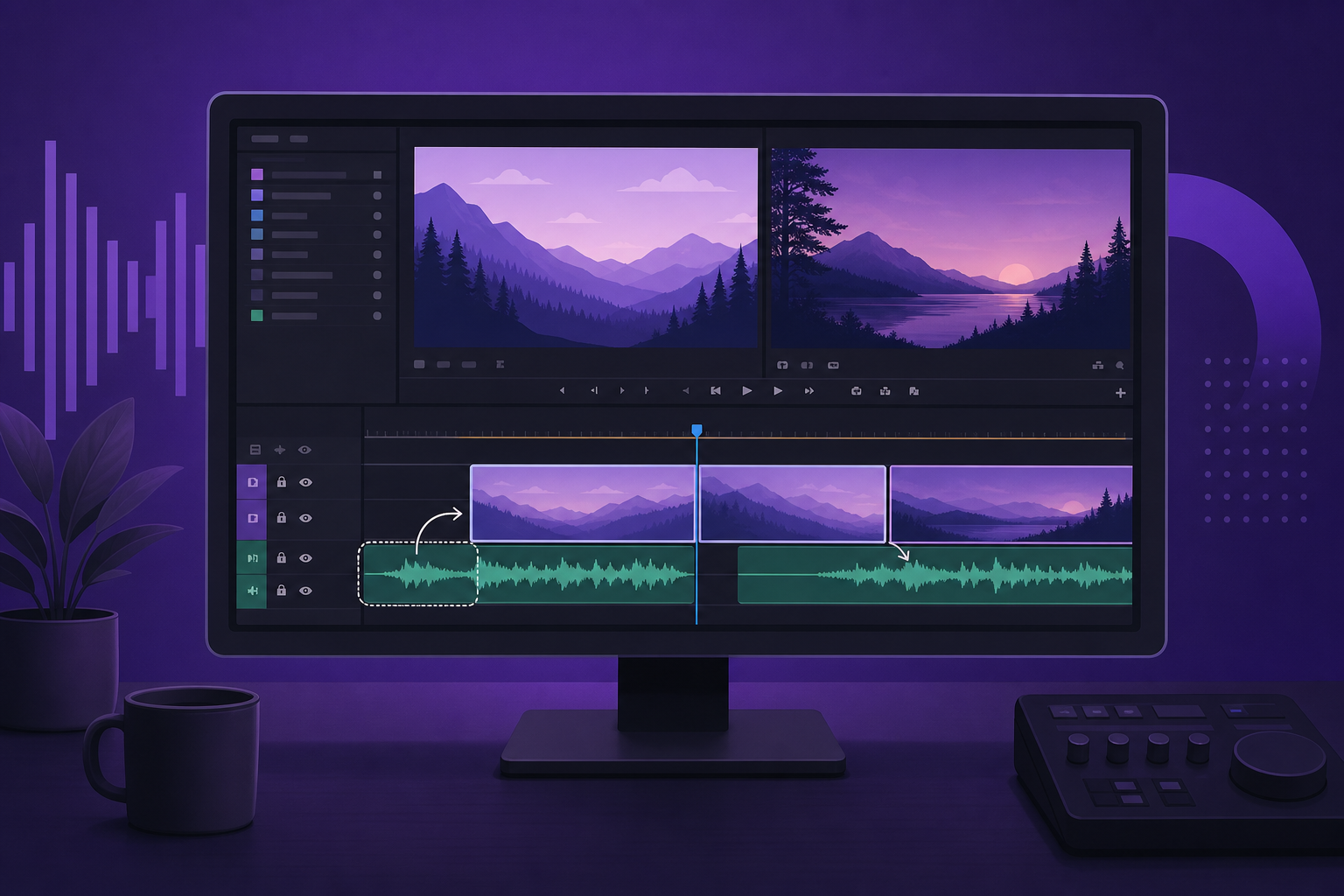
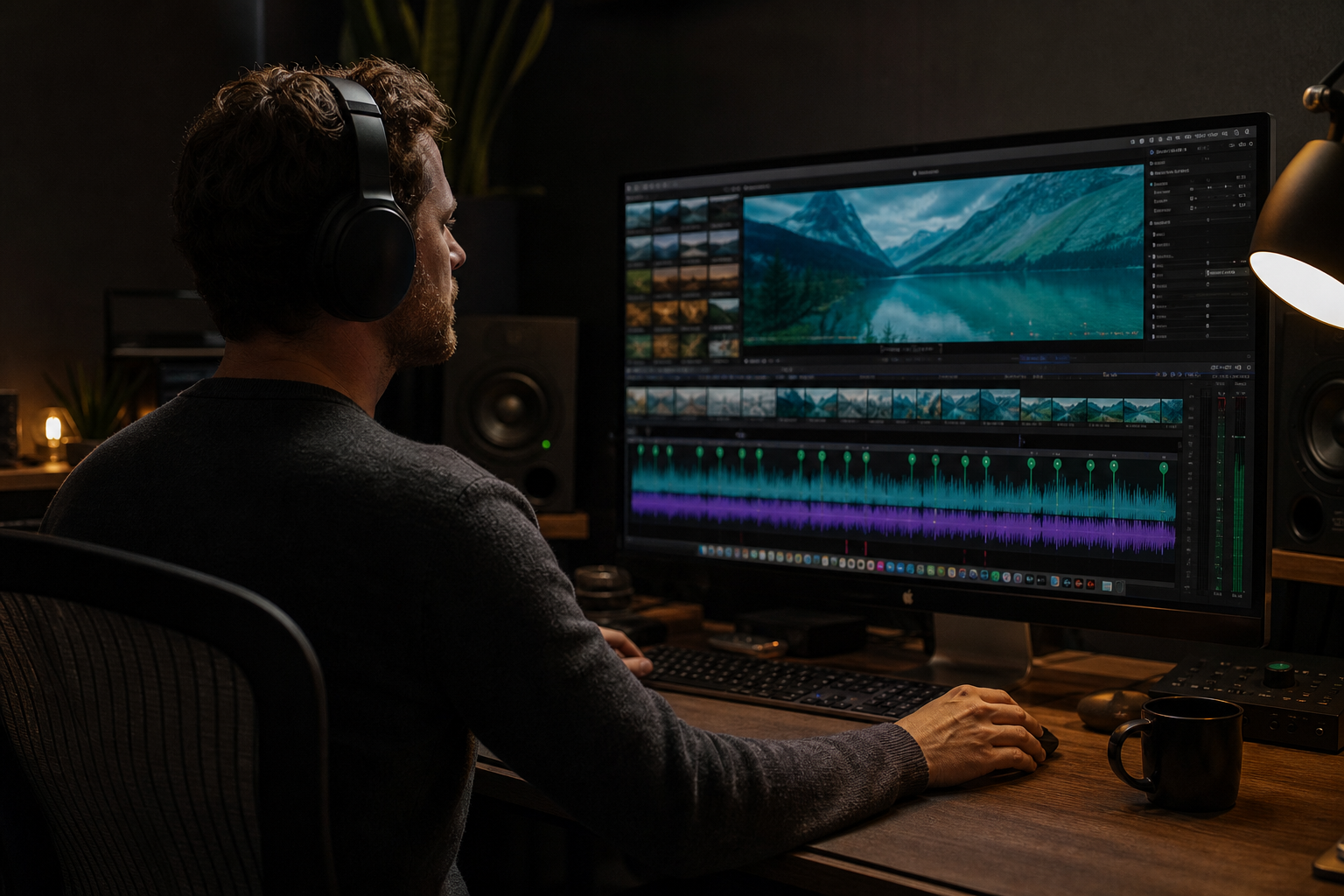
Select your music clip, run beat detection or add markers manually at downbeats. Markers become snap points for blade cuts across video lanes.
- Analyze audio or tap beats with M key
- Snap enabled—cuts lock to grid
- Color-code markers by section
- Use BPM from track metadata when available
Import Tracks With Known BPM
FreeBeatHub lists BPM per track—enter it in FCP's timing tools for precise marker spacing when auto-detect struggles on minimal drums.
Cutting on Markers
Blade at every fourth marker for montages; every eighth for vlogs. Pre-build marker templates per genre—120 BPM pop vs. 85 BPM cinematic.
Titles and Transitions on Beats
Place transitions 2 frames before markers so the impact lands on the beat, not after. Lower thirds appear on snare markers; wipes on downbeats.
Speed Ramps to Music
Ramp in over 8 bars, peak on drop marker, ramp out on resolve. Cinematic beds at 70–90 BPM suit slow-mo; gaming at 130+ for hype montages.
FCP Music Workflow
- Import cleared track to primary storyline
- Run beat analysis or manual markers
- Lock music lane
- Cut video to marker grid
- Export with -14 LUFS integrated
FCP Music Mistakes
- Beat detect on compressed MP3 artifacts—false markers
- Cutting on every beat—visual fatigue
- Markers drift after retiming music clip
- Variable BPM track without manual adjustment
- Uncleared music on client exports
Key Takeaways
- Use beat markers as snap grid for cuts
- Import tracks with known BPM metadata
- Transitions 2 frames before beat hit
- Lock music lane before cutting video
- Pick constant-BPM royalty-free beds
| Edit Type | Marker Interval | Ideal BPM | Genre Tag |
|---|---|---|---|
| Montage | Every 2–4 beats | 120–128 | Electronic |
| Vlog | Every 8 beats | 95–110 | Acoustic |
| Trailer | Drop markers | 85–100 | Cinematic |
| Gaming hype | Every beat | 130–145 | Gaming |
Ready to find your soundtrack? Browse thousands of royalty-free tracks on FreeBeatHub.
Browse Free MusicFrequently Asked Questions
Does Final Cut Pro auto-detect beats?
FCP can analyze audio for beat detection on clips. For best results, use tracks with steady BPM from your library metadata.
Can I export marker timings to collaborators?
Yes—XML and project bundles preserve markers. Share cleared track links with remote editors.
What if my music BPM varies?
Avoid variable-tempo tracks for beat-sync edits. Pick royalty-free beds with constant BPM listed.
Do markers work with multicam?
Place markers on the primary storyline audio—cut all angles to the same beat grid.